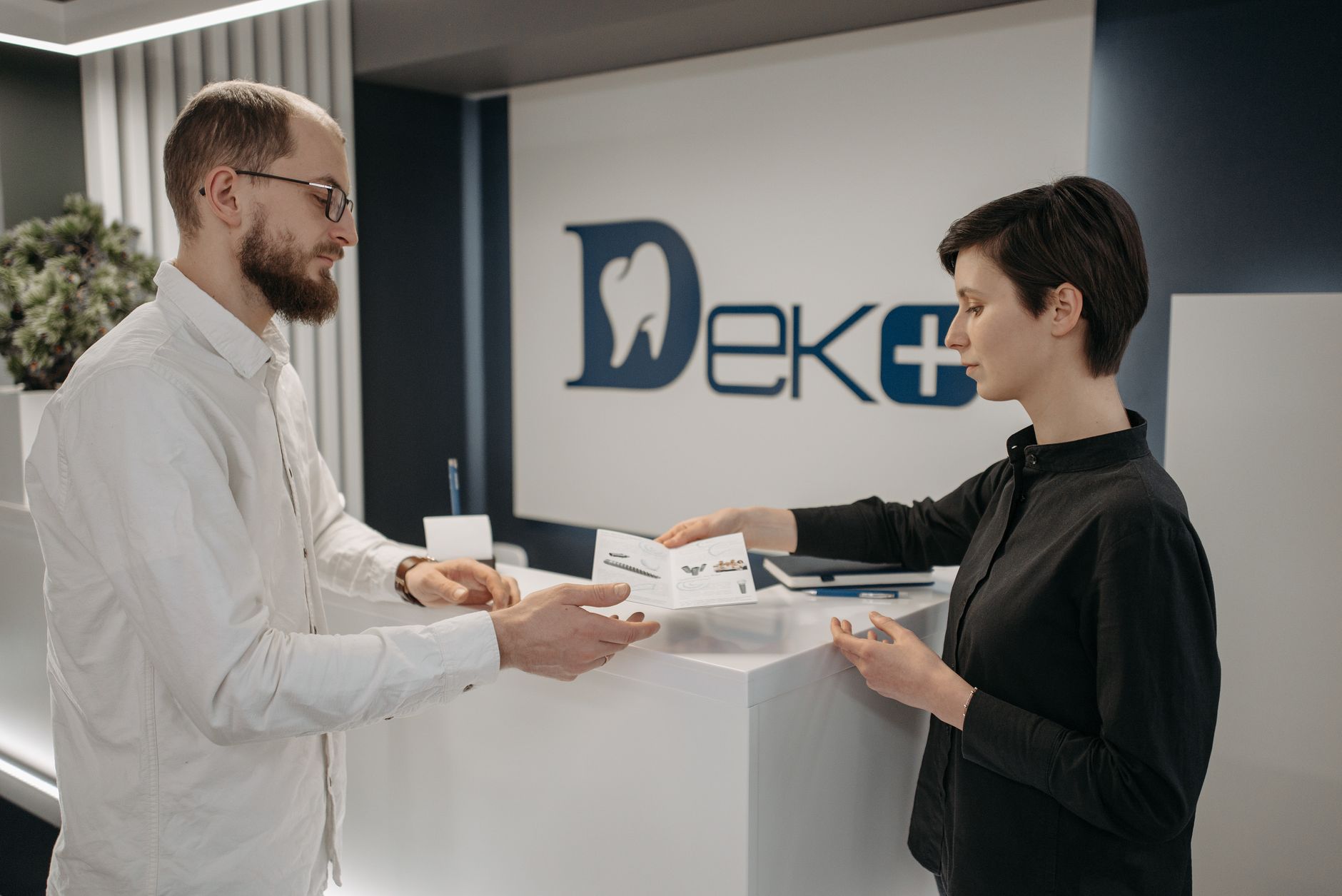


Why Newmarket Dentists Can’t Rely on Referrals Alone
Newmarket keeps adding people. Young families settle in near the Davis Drive and Yonge Street corridors, and Aurora, East Gwillimbury and Bradford sit a short drive away, so patients have plenty of practices to pick from. Referrals still matter. But a referral only tells someone your name. Then they Google it, and what they see decides whether they book.
The searches that fill a schedule are specific: “dentist accepting new patients Newmarket,” “Invisalign near me,” “same-day dental crown.” Nobody typing those is browsing. They’ve decided to book and are choosing between the practices Google shows them.
Local SEO is the set of signals (your Business Profile, reviews and on-page content) that tell Google which practices to show for searches tied to a place. If you’ve never worked on it, you’re likely losing those bookings to a practice that has.
Get Your Google Business Profile Working as Hard as Your Front Desk
For most dental searches, the Business Profile is the first thing a patient sees. A half-built one costs you calls. Most dental listings are claimed and then abandoned: a name, a phone number, one category, and nothing else.
Fill in every field:
- Categories. “Dentist” as the primary, then add what you actually do, such as cosmetic dentist, orthodontist or emergency dental service.
- Services. List each treatment separately: cleanings, whitening, implants, clear aligners, extractions, children’s dentistry.
- Hours. Include holiday hours and Saturday hours if you have them. “Open now” filters in Google Maps favour accurate listings.
- Photos. Real ones: the waiting room, the treatment rooms, the team. Patients nervous about a first visit want to see where they’re going.
- Booking link. Point it at your online booking page, not the homepage.

Post to the profile twice a month. A short update (“new patient exams booking for October”) tells Google the listing is alive.
Say you run a three-chair practice in Newmarket. Your profile lists only “Dentist,” has four photos from the day you opened, and links to the homepage. Add two more categories, upload twenty real photos, list eight services and send the booking link straight to your scheduler. You’ve out-built most nearby listings without touching your website.
Reviews Decide Who Gets the Call
Choosing a dentist is a trust decision. People read reviews before they read your website, and Google weighs both how many reviews you have and how recent they are.
Ask at the right moment. The best time is right after a good visit, when the patient is still at the front desk. Give them a QR code or send a two-line text with a direct link. A form buried in a follow-up email gets ignored. Our guide on how to get more Google reviews covers the ask in detail.
Reply to every review, and keep the replies short and calm. Ontario dentists work under the College’s advertising rules, and health privacy law limits what you can say about a patient. So never confirm that a reviewer was a patient and never mention treatment details in a reply. Something like “Thank you for the kind words. We’re glad the visit went well” is safe. Check the Royal College of Dental Surgeons of Ontario’s current advertising guidance before you quote or promote testimonials anywhere on your own site.
Build Service Pages That Name What You Treat
A homepage that says “gentle, family dentistry” tells Google very little. Patients don’t search for “gentle.” They search for “dental implants Newmarket” or “kids dentist near me.”
Give each major treatment its own page, with a plain-language explanation, who it’s for, what a visit involves and a booking button. Implants, clear aligners, emergency care and children’s dentistry are the usual starting four. Each page can rank for its own local search, which a single “services” paragraph never will.
Then add the place in a natural way. “Serving Newmarket, Aurora and East Gwillimbury” in a footer is fine, but naming the actual neighbourhoods your patients come from does more for local relevance than repeating a generic line on every page. NewLife’s SEO services cover exactly this work: audits, keyword strategy, Business Profile management and the content that has to rank.
Mistakes That Quietly Cost Newmarket Practices New Patients
These show up again and again in practices that aren’t appearing locally:
- One category on the Business Profile. You never surface for implants or emergency searches.
- Stale or stock photos. A profile that looks unmaintained reads as an unmaintained practice.
- Unanswered reviews. A silent reply thread looks worse to the next reader than a critical review does.
- One “services” page for everything. None of your treatments can rank on their own.
- A phone number that differs between Google, your site and directories. Inconsistent details make Google less sure your practice is what it says it is.
Fix these five and most practices see their map visibility change before they spend on ads. Ads can fill the gap while organic builds. See how dentist Google Ads work in Orillia, or how we approach local SEO for dentists in Barrie. If you want the wider picture for health practices, the health, fitness and wellness program explains how NewLife builds around booked appointments instead of clicks.